


VPN - Super Unlimited Proxy
4.736.89K Reviews
App Specs
- Version
- 2.29.3
- Updated On
- License
- Free
- Downloads
- 100,000,000+
- Developer
- VPN Super Inc
- Categories
- Tools
- Platform
- Android, iOS
Screenshots
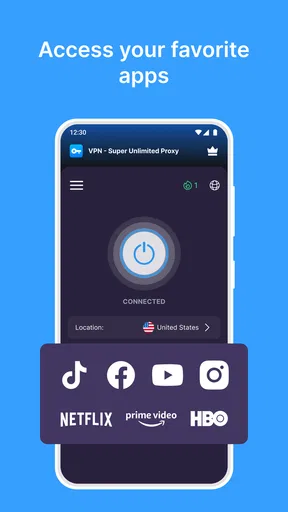
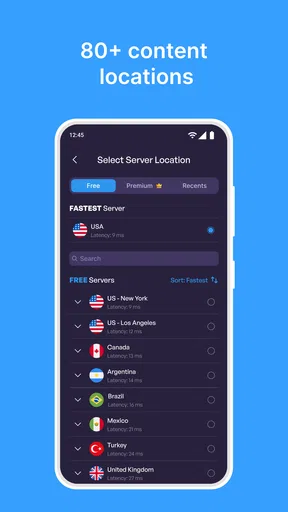
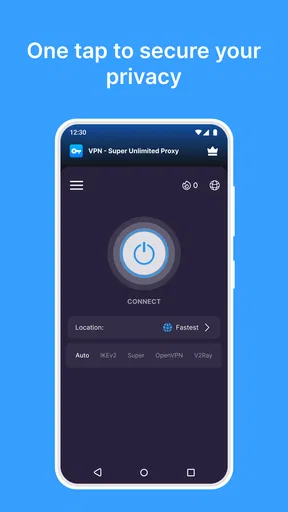
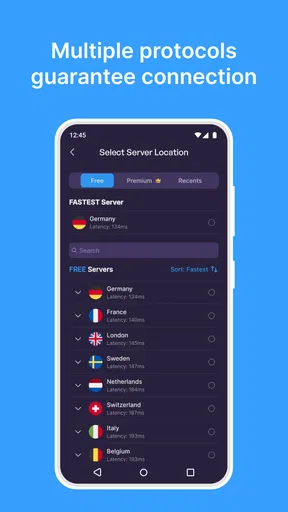
 Analysis by AppCompare
For me, the most useful thing about a VPN is not the promise of being invisible online; it’s having a simple way to add a layer of protection when I’m using a network I don’t control. VPN - Super Unlimited Proxy is aimed at that everyday need, with a low-effort connection process and no data cap. It makes the most sense for casual browsing and public Wi-Fi, though I would not treat any VPN as a substitute for careful account security or a guarantee that every app and website will work normally.
First Impressions and Setup
Getting started with VPN - Super Unlimited Proxy is a breeze. After a quick download from the app store, you’re greeted with a clean and intuitive interface. No need to be a tech wizard to navigate this one. It’s a matter of a few taps and you’re connected to a secure server somewhere around the globe.
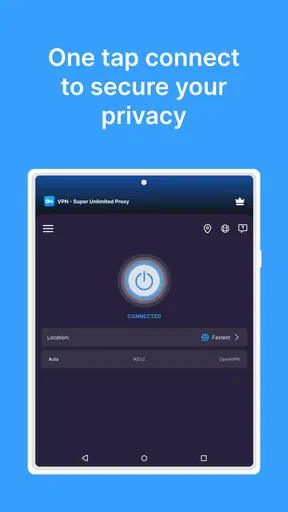
The app doesn’t require you to set up an account, which is a huge plus if you're all about maintaining your anonymity. Just launch the app, hit the connect button, and boom – you’re browsing securely.
Guides and Analysis on VPN - Super Unlimited Proxy
Features That Stand Out
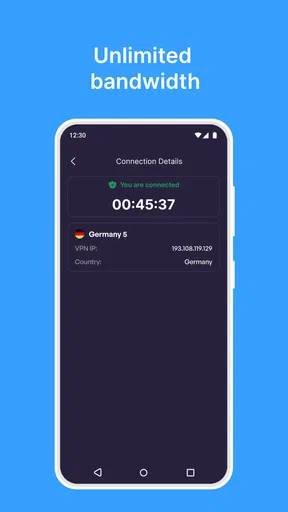
One of the most appealing features is the unlimited bandwidth. Yep, you heard that right. You can stream, download, and browse without worrying about hitting any data caps. This is perfect for those who enjoy binge-watching shows on Netflix or other streaming platforms.
The app boasts a wide selection of servers across multiple countries. Whether you need to appear as if you’re in the US, the UK, or somewhere else, there’s likely a server for that. The connection speed is decent, though it can vary depending on the server location you choose.
Security and Privacy
Security is the name of the game with any VPN, and this app doesn’t disappoint. It uses strong encryption protocols to keep your data safe from prying eyes. Whether you’re checking your bank account or just browsing Reddit, you can feel at ease.
There's also a strict no-log policy. This means the app doesn’t store any of your activities or connections, keeping your online behavior private and secure. For the privacy-conscious, this is a critical feature.
Worth Reading Before You Choose

ESPN’s Live Game View Makes Following Close Games Easier

QuizzLand Review: A Good Fit for Short Trivia Breaks, Not Every Player

Basketball Stars: Multiplayer Is Fast, but Can It Recover When Matches Go Wrong?

WEBTOON Turns Phone Updates Into a Better Reading Routine

Link to Windows Runs on Shared Habits, Not Social Feeds

How Alibaba.com Dominates the B2B Marketplace
User Experience
Using the app daily, I found it to be quite user-friendly. The interface is straightforward, with large buttons and clear options. Switching between servers is seamless, and the app runs smoothly without crashing.
However, one thing to note is the occasional pop-up ad. It’s not too intrusive, but it’s there. Considering it's a free app, it’s understandable – they need to make a buck somehow!
Performance and Connectivity
Performance-wise, it holds up well. The speeds are generally good, although, like with any VPN, connecting to a server that’s geographically far away can result in slower speeds. For regular browsing and streaming, it does the job adequately.
The connectivity is stable. I didn’t experience any random disconnections, which can be a real hassle with some other VPN services. This reliability makes it a great option for everyday use.
What It’s Like in an Everyday Routine
A practical use is checking messages or looking up directions while waiting at a café, airport, or library. I’d connect before opening sensitive accounts on shared Wi-Fi, then disconnect when I no longer needed the extra layer. That small habit is easier with a one-button style app than with a service that asks me to tune several settings first. A VPN changes the route your traffic takes, but it cannot make a fake login page safe or stop you from sharing personal information yourself.
For longer sessions, I’d think about which server location actually helps. A nearby option is usually the sensible starting point when responsiveness matters; choosing a distant country just to change apparent location can add delay without improving ordinary browsing. If a page loads slowly, switching back to a nearer server is a useful first test before assuming the phone or website is at fault.
Where the Simple Approach Helps—and Where It Doesn’t
Compared with browser-only privacy tools, a VPN can be more convenient when I want protection beyond one browser, because the connection is handled at the device level. Compared with a paid VPN subscription, a free app can be an easier first step for occasional use, but I would not assume it offers the same controls, support, or predictable access to every service. Those differences matter most to people who need a particular server reliably or want to manage a detailed privacy setup.
There are also situations where I would skip a VPN altogether. If a work or school network requires a specific connection, its rules come first. Some banking, shopping, and streaming services may challenge a login or behave differently when they detect a VPN, so I’d switch it off temporarily if a trusted service stops working and reconnect only when appropriate. A VPN is a tool for a particular connection need, not something that has to stay on for every task.
Current State and Practical Trade-Offs
This is a free tools app from VPN Super Inc, with optional in-app purchases listed from $6.99 to $79.99 per item. I’d treat “free” as a low-cost way to try the basic experience, not as a promise that every part of the app has no commercial prompts. The occasional pop-up already makes that trade-off visible. Anyone who finds interruptions irritating should decide whether the convenience is worth putting up with them.
The app is rated for Everyone and requires Android 8.0 or later. Its current version is 2.21.1, and it has been available since April 5, 2020. Those details are useful when checking whether an older phone can install it, but a version number by itself does not tell me what changed in the latest release. I would look at the update notes in the app store before expecting a particular fix or new feature.
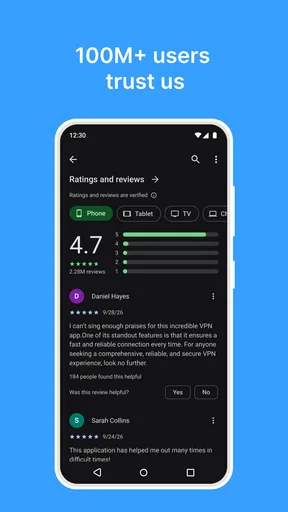
Its 4.7 average from around 1.9 million ratings and more than 100 million installs suggest that many people have tried it, but popularity is not a personal privacy audit. I still recommend choosing a VPN based on how it fits your needs and being cautious about sensitive activity. In particular, I would not use a VPN as a reason to ignore the security settings on an account or device.
Who Should Try It, and What to Keep in Mind
I’d recommend giving it a look if you want a straightforward way to connect on public Wi-Fi, prefer not to create an account just to get started, or only need a VPN now and then. The no-account setup can make the first run feel uncomplicated, while server choice gives you a practical way to test whether a different route improves access or connection quality. If you rely on a VPN throughout the day for work, need advanced configuration, or want a carefully documented privacy arrangement, I’d compare dedicated services before settling on this one.
One sensible routine is to connect before joining a shared network, check that the app shows an active connection, and then open the sites you need. If a service refuses to load, try a different location or disconnect for that service rather than repeatedly refreshing. When you’re done, consider whether you want the VPN to remain connected on your next network; the choice depends on convenience, speed, and the apps you use. That simple check helps avoid mistaking a temporary routing problem for a broken internet connection.
Final Thoughts
To wrap it up, VPN - Super Unlimited Proxy is a solid choice if you’re looking for a free VPN with unlimited bandwidth. The app is easy to use, secure, and offers a variety of servers to choose from. While the ads might be a minor annoyance, the overall benefits outweigh this small downside.
For anyone needing a straightforward, no-fuss VPN solution, this app is worth considering. Whether you’re streaming, shopping online, or just browsing, it provides the safety net you need in today’s digital landscape.
Pros
- Unlimited bandwidth with no data caps.
- High-speed connections for seamless streaming.
- Easy-to-use interface for quick setup.
- No registration required to use the service.
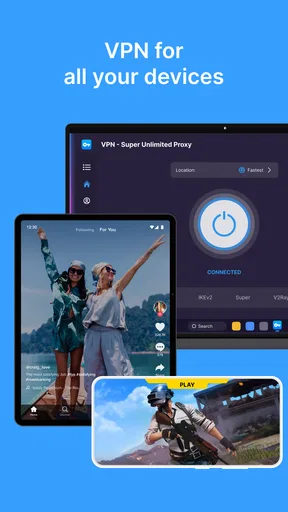
- Supports multiple devices at once.
Cons
- Free version includes ads that can be intrusive.
- Limited server locations compared to competitors.
- Some features locked behind a paywall.
- Occasional connection drops reported by users.
- No 24/7 customer support available.
FAQs for VPN - Super Unlimited Proxy
What platforms is VPN - Super Unlimited Proxy available on?
VPN - Super Unlimited Proxy is available for both Android and iOS devices. Users can download it from the Google Play Store or the Apple App Store, ensuring compatibility with a wide range of smartphones and tablets. This accessibility makes it a versatile choice for users across different operating systems.
Does VPN - Super Unlimited Proxy keep any logs of user activity?
No, VPN - Super Unlimited Proxy adheres to a strict no-logs policy, meaning it does not store or track any user activity. This ensures that your browsing history and data remain private and secure, providing peace of mind for users who are concerned about online privacy and data protection.
Is VPN - Super Unlimited Proxy free to use, and are there any premium features?
Yes, VPN - Super Unlimited Proxy offers a free version with basic features. However, there are premium options available that provide enhanced capabilities such as faster connection speeds, a wider selection of server locations, and an ad-free experience. Users can choose based on their specific needs and budget.
How does VPN - Super Unlimited Proxy ensure connection security?
VPN - Super Unlimited Proxy utilizes advanced encryption protocols to secure your internet connection. This means that data transmitted through the VPN is encrypted, protecting it from potential hackers and cyber threats. This feature is crucial for users who often connect to public Wi-Fi networks and need added security.
Can I use VPN - Super Unlimited Proxy to access geo-restricted content?
Yes, VPN - Super Unlimited Proxy allows users to bypass geo-restrictions and access content that may be unavailable in their region. By connecting to servers in different countries, users can enjoy a more open internet experience, unlocking streaming services, websites, and apps that are otherwise inaccessible.


